



Behind the scenes
About the work and its maker
An idea, a kitchen and the person behind the Royal Food Club. The story of the club.
Read moreDiscover your next favourite dish, cook along step by step and share what lands on your table. You’ve got the photos – the magic wand helps with the recipe.
Free · no invite · no waiting list
Never installed a test version? Here’s how
Discover recipesCoronation on December 6, 2026 Sign up before then and you’ll wear the “Second Wave at the Court Gate” badge forever. After that, it’s never awarded again.
Fresh from the club
Behind the scenes
An idea, a kitchen and the person behind the Royal Food Club. The story of the club.
Read moreCommunity
Good recipes need people who share them. An invitation to the very first founding members.
Read moreFor creators
You cook, write and share with passion? Then let’s get to know each other.
Read moreNot here.
The recipe online, often
At the Royal Food Club
Accio Recipe
You cook, your phone snaps along, and there’s nothing left to type up. The magic wand turns your photos and a few keywords into a whole recipe, right when you save: ingredients with quantities, fully written steps, tags, duration and nutrition facts. Usually in under a minute.
“… pumpkin 25min, 200° in the oven”
The magic wand writes
“Spread the seasoned pumpkin pieces on the baking tray and roast them in the oven at 200 °C for 25 minutes.”
From a real run, our chili: 14 photos, a few keywords, 42 suggestions.
A title and your cooking photos are enough; a few keywords make it better. Fastest of all with the Quick Recipe Import: share photos from your gallery to Royal Food Club, and they become the cover photo and steps.
The magic wand is built into saving: ingredients, texts, details. Whatever helps your recipe is already preselected; you take things off or add more. An AI reads the title, photos and your text, usually in under a minute, and meanwhile you can keep browsing.
Every suggestion is a card with a toggle. What already fits is switched on; changes to your own text are your call. Only your save changes the recipe, and for a day you can bring back the old version, as long as you change nothing. Publishing comes after that, and it’s yours to do.
Nothing lands in your recipe without asking. Until you save, it’s all suggestions. Whatever’s switched on goes in, the rest is declined, and it never quietly overwrites what you wrote yourself.
Only you publish: the magic wand never changes whether a recipe is public. Read it over first — even an AI gets quantities, times or temperatures wrong now and then. Nutrition facts are estimates and stay marked as such.
The photos stay yours. It doesn’t create any images.
Free, in the app and on the website. Before you use the magic wand, the app tells you that it works with AI and sends your recipe data to do so — and that the pictures must not show any people or personal details.
Try it on your next dish.
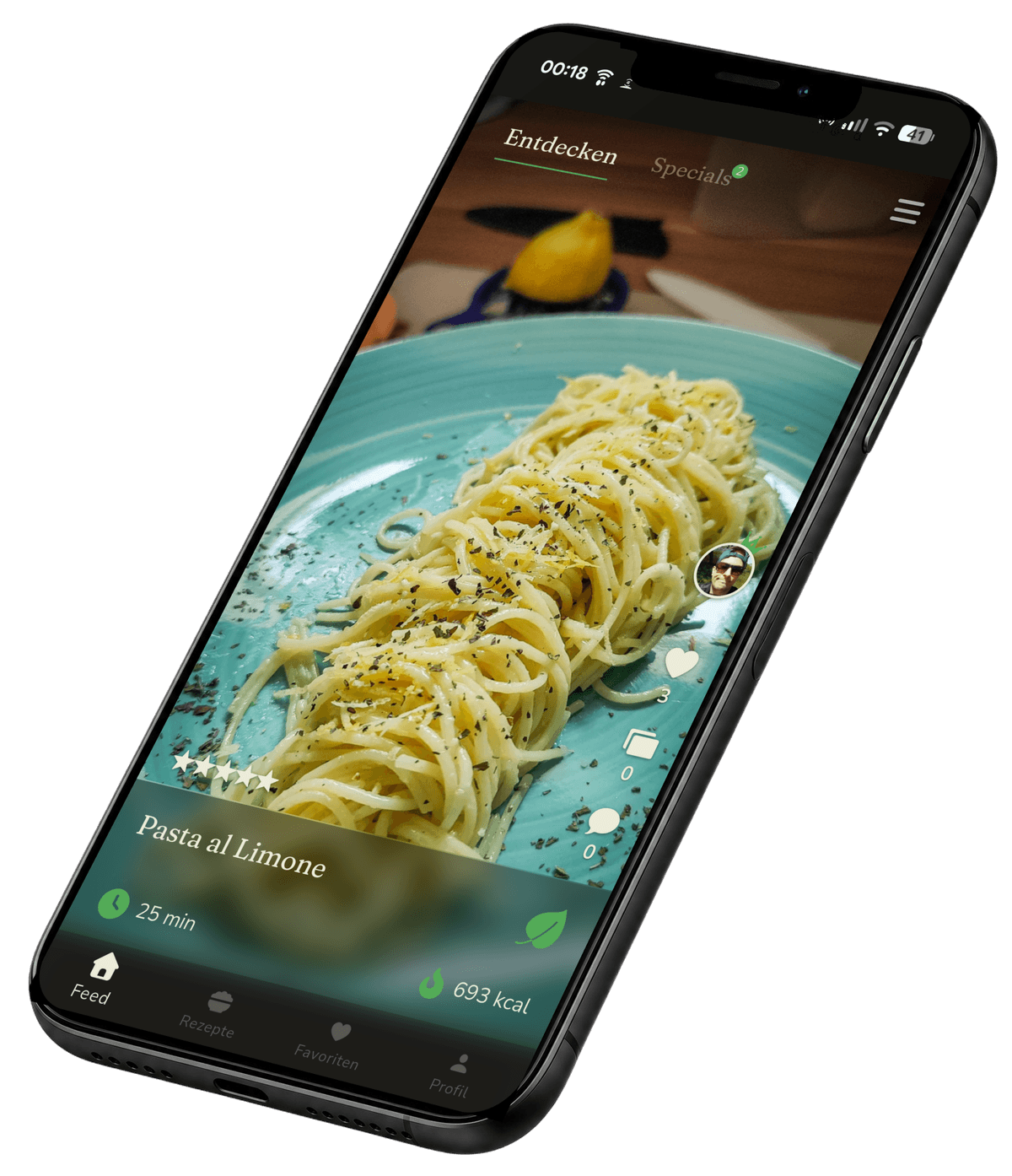
From the first swipe through the feed to the last step at the stove: the app guides you all the way — no paywall, and no sign-up at all just to browse.
Find

Cook
Between two meetings, on the train or with your feet up: you can roam the kingdom anywhere. And by the time you’re standing in the kitchen, the recipe is already waiting.

At the Royal Food Club, what you do counts: likes, comments, ratings, recipes cooked and new followers earn you experience points. With them you rise through the ranks — and every rank unlocks something.
What you’ve earned stays yours. And your profile always shows how far it is to the next rank.
The court awaits. Your rise begins in the app.
 A crown for the recipe
Every Saturday the club crowns one recipe — the one the community reacted to most strongly the week before: likes, times cooked and stars. It runs automatically, with no jury, and your own clicks never count.
The crown isn’t a rank, it belongs to the recipe: featured for a good week in the app and on the website, plus its own post on our channels. Each recipe wins at most once — try again with your next one.
Follow us and you’ll see every new king first.





Tip for the crowned: The post links your recipe, and from there your profile is one tap away. Add your social links in the app — then the curious will find their way to your channel too.
We don’t use your profile picture for this. Rather sit it out? One switch in the settings is all it takes — here’s how.
Both get translated: every word of the app interface and everything written here — recipes, comments, ratings. Quantities and temperatures too: grams or ounces, Celsius or Fahrenheit. And a handful stays a handful.
Light or dark, whenever the mood strikes. Out of the box, the app follows your device’s settings.
Because the world is complicated enough.
Nothing. Reading recipes, sharing your own, waving the magic wand, commenting, rating, following, keeping collections — all free, with no trial period running out. If you like, you can support us with the optional Royal Sparkle Upgrade; it locks away nothing that was open before. Read more
No ad networks, no advertising cookies, no pop-ups over the recipe. The club launches without paid placements — and if one comes along later, it is individually selected and labelled “Advertisement”. Read more
Not for browsing, filtering and cooking. You only need an account once you leave something behind: your own recipes, comments, ratings, Food Snaps, collections. Read more
You decide separately on industry research, personalised advertising and additional ad measurement. Paid industry reports are built only from data you’ve chosen to allow. No third-party ad network follows you across other sites. Read more